
 Canada
 USA
USA Japan
Japan

Custom Kitchen Knife Order Change Record

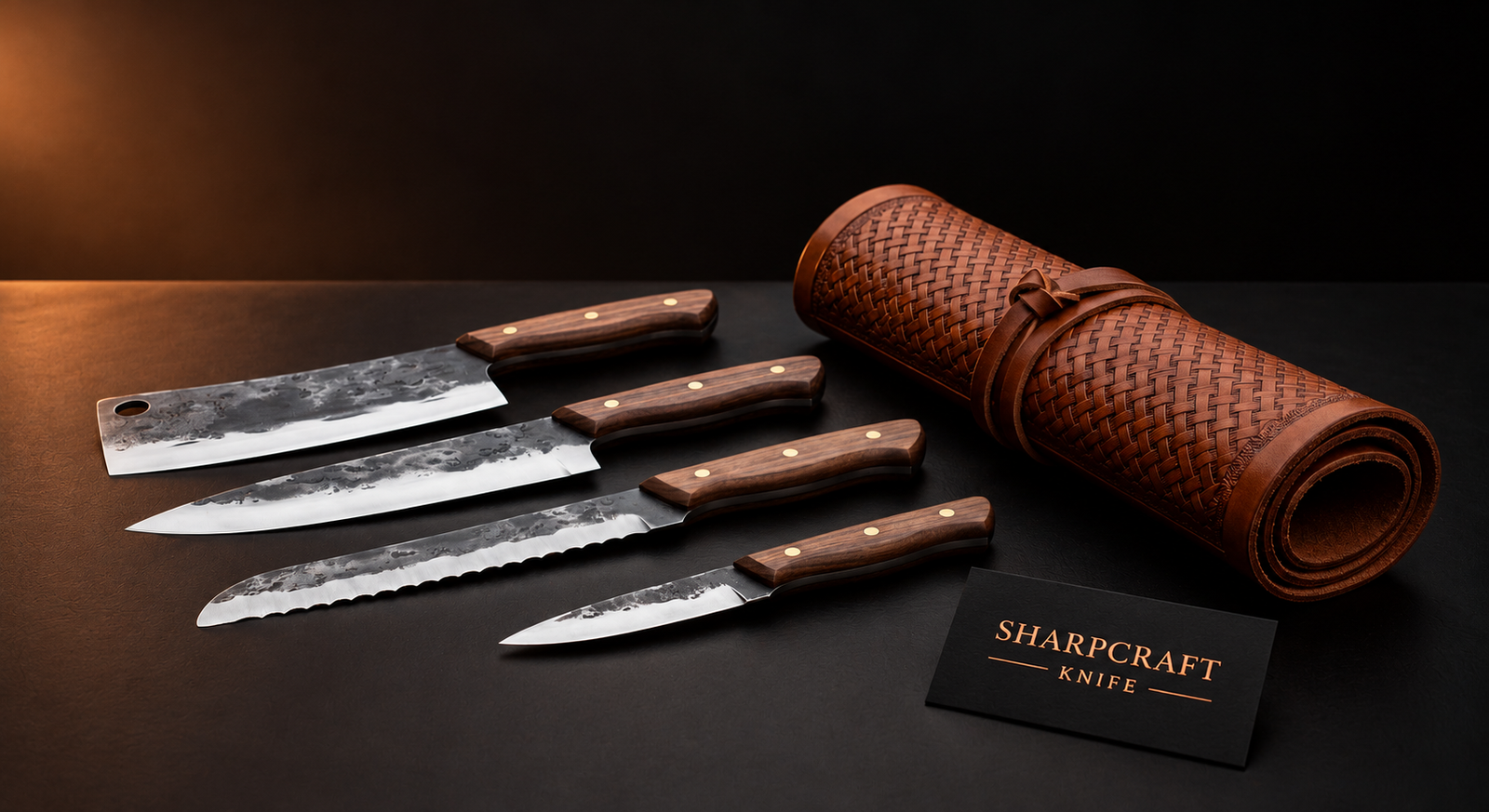
A useful initial brief explains what you want. A change record does a different job: it shows what changed after the conversation began and which version is now approved. For a custom kitchen collection, this can be as simple as a short dated document kept with the reference photographs.
Start from a named baseline
Choose the product or approved proposal that the revision refers to. For example, the Four-Piece Walnut Handle Kitchen Knife Set with Roll Bag provides a named collection reference. Record the exact product link and the proposed piece list. Do not assume that requesting a similar-looking handle means every other specification stays the same.
Label the starting document “Version 1” and give it a date. Include the knife count, measurements that have actually been confirmed, handle preferences and included accessories. If a detail is still open, say so. An empty field is easy to overlook; “awaiting confirmation” gives it a clear status.
Record the old value and the proposed value
Write each change as a comparison: “Previous: brown handle appearance. Requested: blue reference image B.” For a measurement, show the previous and requested values with the same unit. For an accessory, state whether it is being added, removed or replaced. This is clearer than sending a new image with the message “make it like this”.
Keep one change per line and identify the affected piece. If a five-piece proposal changes to four knives, revise the written contents as well as the headline count. Our piece-by-piece inventory guide helps you maintain that list.
Separate a request from an accepted revision
Use a status beside each line: requested, awaiting confirmation, accepted or declined. A message asking for a different material is not evidence that it is available or included in the existing quote. Ask the team whether the revision affects price, accessories or expected timing, and keep its response with that version.
Give photographs the same version label
Name the supporting images so that the written record and visual reference agree. If a handle colour image is replaced, identify which older image should no longer be used. Read the handle colour approval guide for the visual decision and the engraving proof checklist for wording and placement.
Approve one complete summary
Before production, ask for a single summary that includes every accepted revision. Check it against the latest photographs and quotation, then identify that version in your approval message. Retain earlier versions as history, clearly marked as superseded, so they are not mistaken for current instructions.
A simple change-record template
Order or enquiry reference: __. Product link: __. Version and date: __. Affected piece: __. Previous detail: __. Requested detail: __. Supplier confirmation: __. Effect on quotation or timing: __. Status: __. Final approval reference: __.
Explore kitchen knives and cutters or chef knife sets. For a product-specific answer, send the product link with your enquiry.
For the starting document, read how to brief your custom knife order. The change record supplements that brief rather than replacing it.